
How this 2-2-4 Shift Pattern: 2 Days, 2 Nights, 4 Off works
Two day shifts, two night shifts and four days off: an eight-day repeating shift rotation.
The full 8-day repeating cycle
4 working shifts and 4 rest days per 8-day cycle. Hours depend on the shift length set by your employer. This is an individual employee's repeating sequence, not a guarantee of full-team 24/7 coverage.
Also written as 2-2-4 or 224. It is not the same as four days, four off, four nights, four off.
The rotation shown is the exact sequence described for this guide. Names and schedules can vary between employers; confirm against your roster.
Frequently asked questions
How many days are in this shift rotation?
The complete repeating sequence has 8 days, with 4 scheduled work shifts and 4 days off.
Can I set up this rotation in ShiftShow?
Yes. Use Smart Shift Builder to enter each day-shift, night-shift and rest-day block, then verify the calendar against your employer's roster and starting date.
Does the pattern specify the number of hours per shift?
No. The diagram shows shift types and rest days. Set the actual start times and shift duration used at your workplace.
What makes 2-2-4 different?
Two day shifts followed immediately by two night shifts, then four days off, produce an eight-day cycle with four working shifts. Unlike the 16-day rotating 4-on/4-off pattern, this roster has day and night shifts in the same four-shift work block. Workers should confirm the interval between the last day shift and first night shift with their employer. The schedule does not itself establish shift start times.
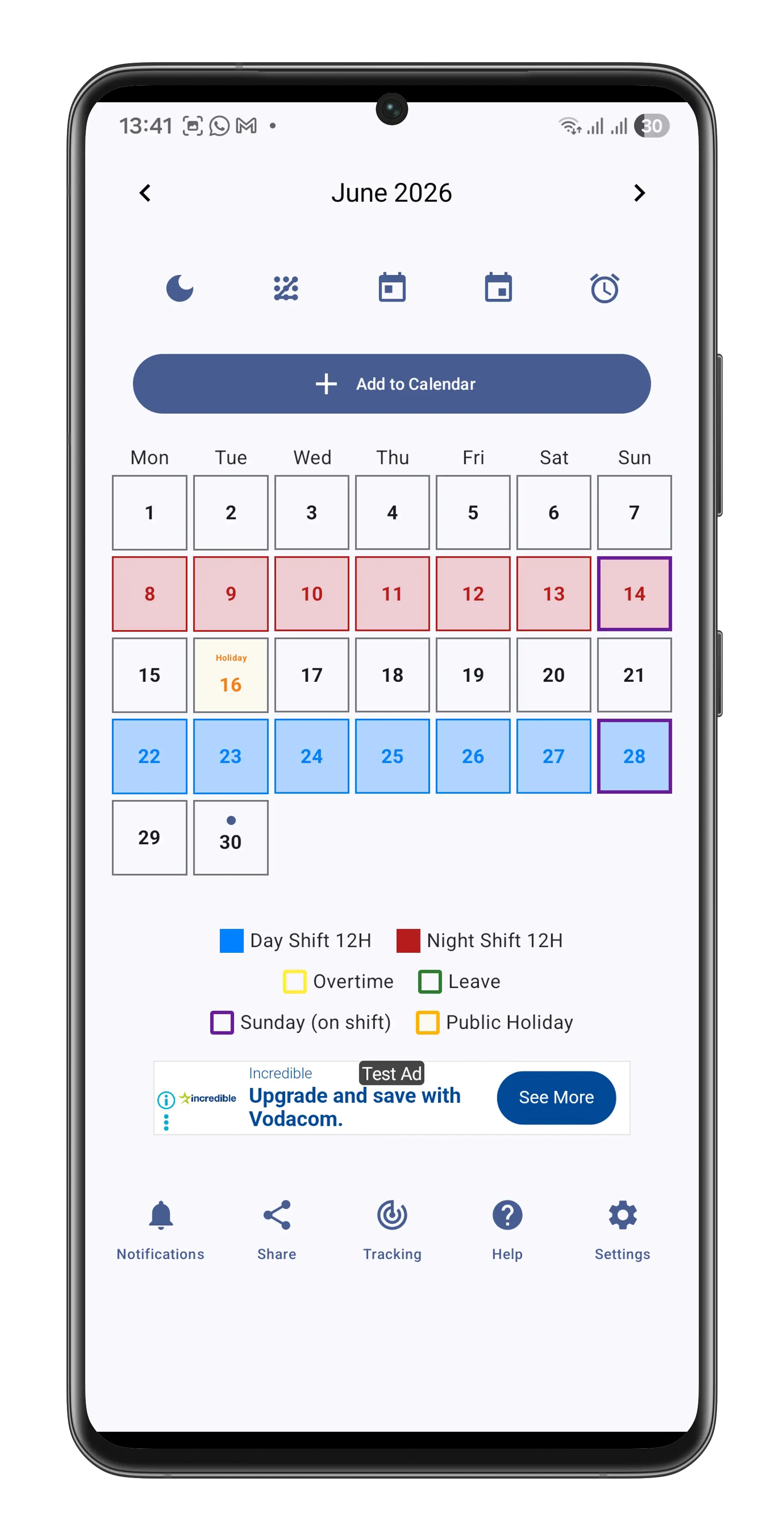
Build the rotation in ShiftShow
Open Smart Shift Builder, choose your start date, and enter the sequence of day shifts, night shifts and days off shown above. Check it against your workplace roster before saving.
Once configured, use your colour-coded calendar to plan ahead, track overtime and manage leave.
Get ShiftShow for Android